Website designs

Find a design that feels right for you.

You can browse without an account. Open a sample to look around; choose “Use this design” when you are ready to add your own details.

  1. 01Look at the full website
  2. 02Choose a design for free
  3. 03Add your details and preview

These are sample websites with fictional names and information. Replace the samples with your own details before publishing.

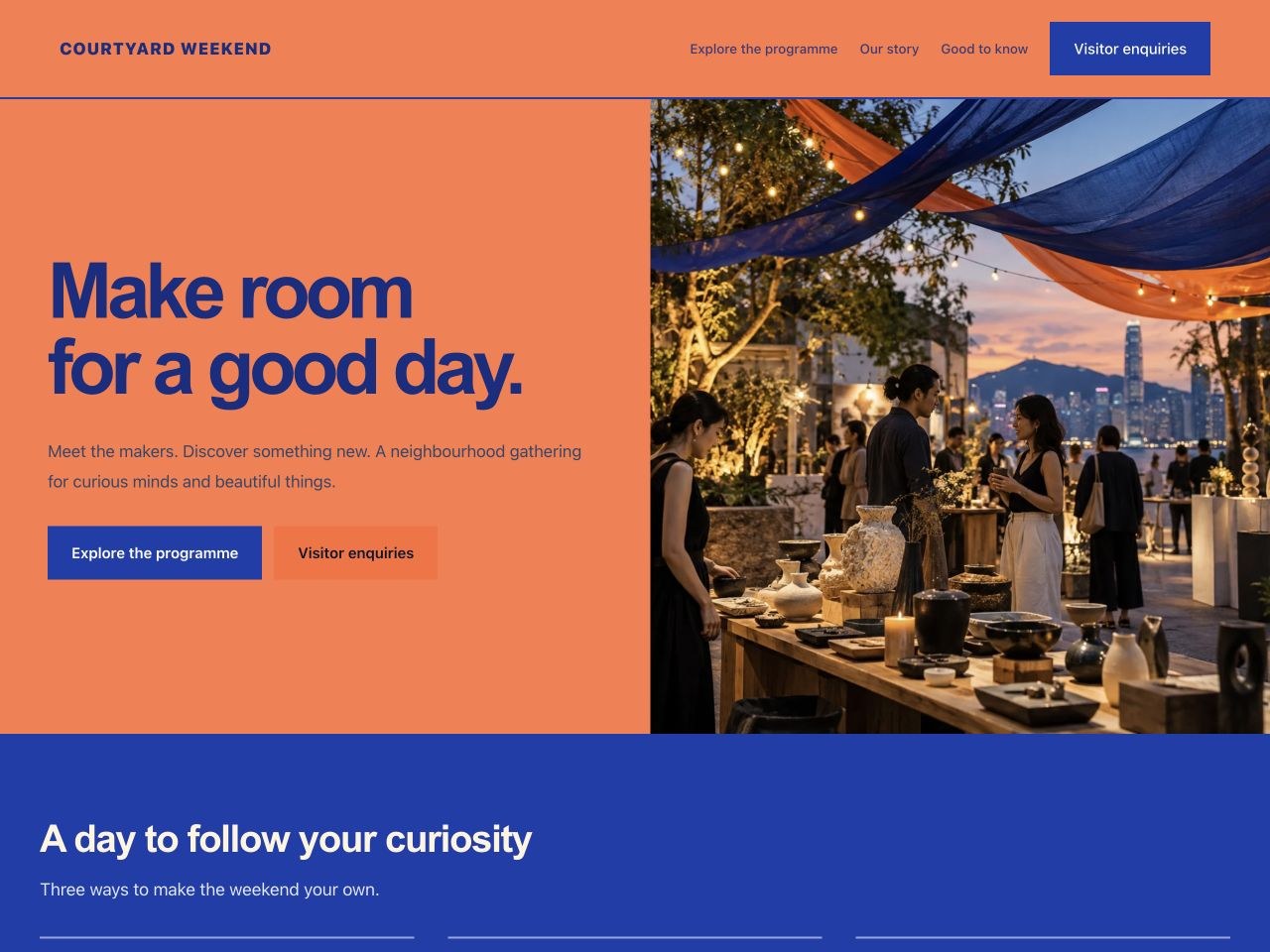
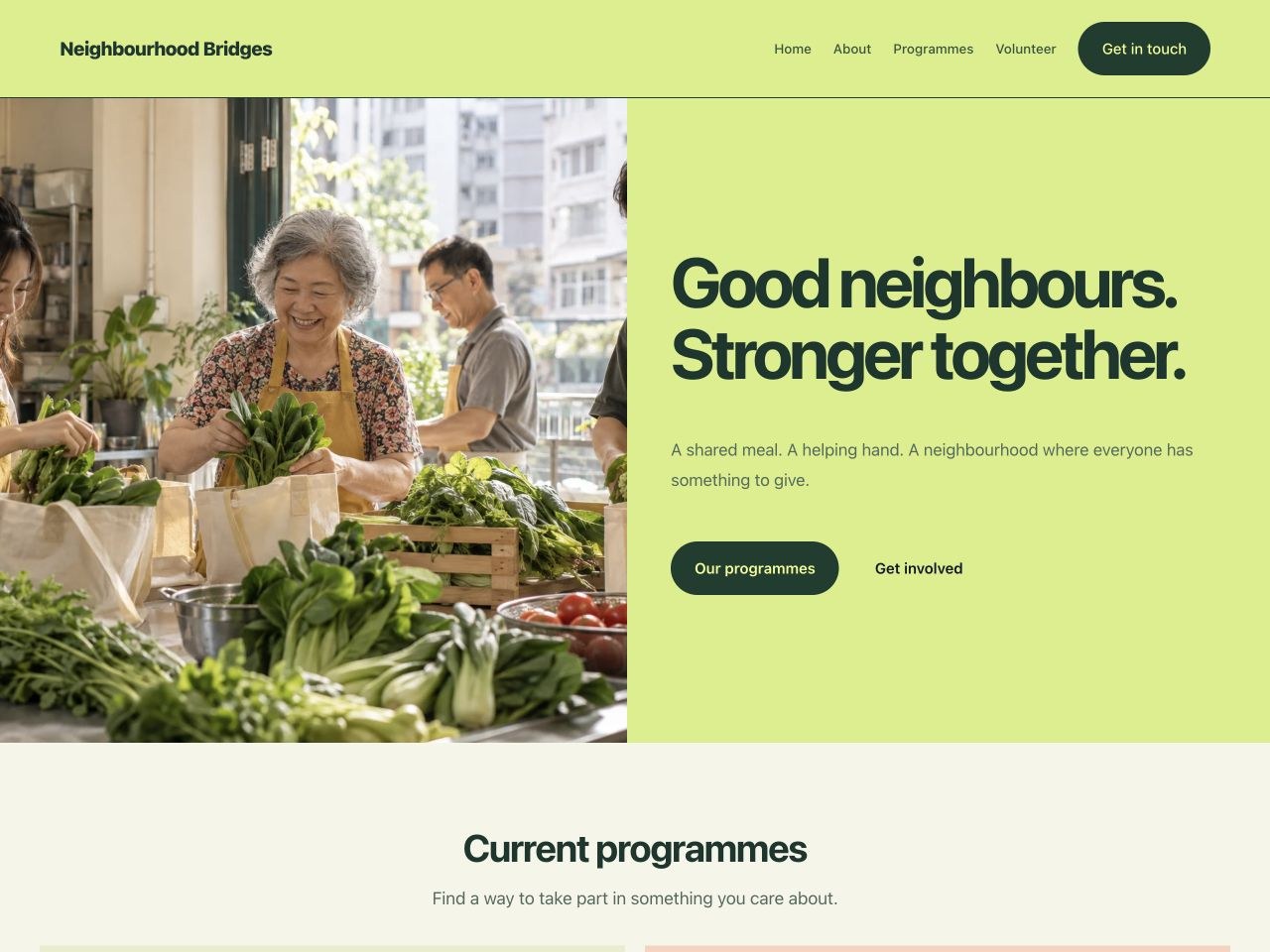
Neighbourhood Bridges — Community Programme Sample website

Nonprofit

Make it yours

Neighbourhood Bridges — Community Programme

A bright community website with a split photograph-and-text opening, colourful programme cards, a mission and volunteer enquiries. Editable fictional samples; add your organisation’s verified details and contact setup.

Sample language English 繁體中文

Free to start with this design
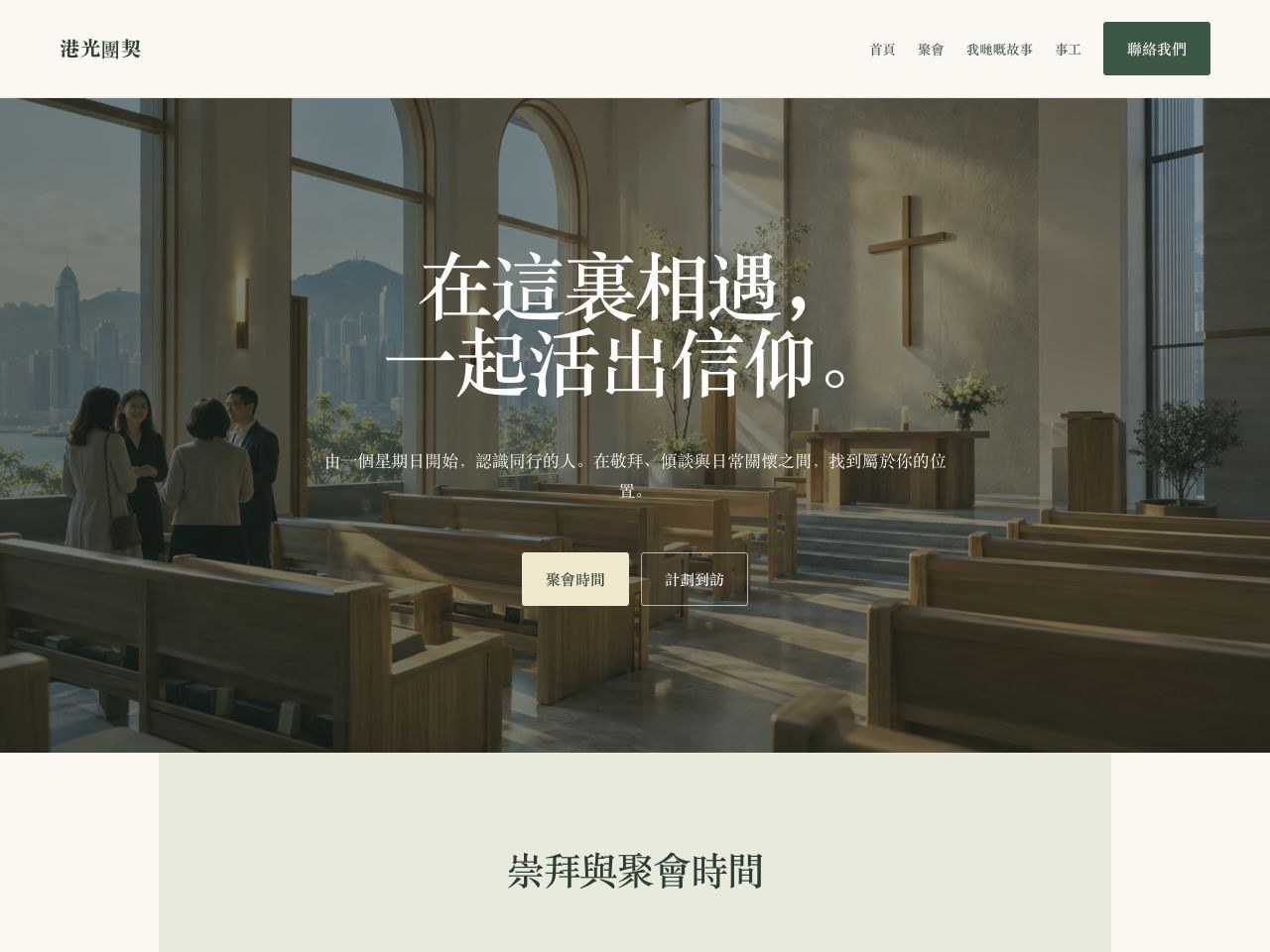
港光團契 — 教會與社區 Sample website

Community

Make it yours

港光團契 — 教會與社區

溫暖自然嘅教會網站,以大幅相片及典雅字體迎接訪客,設有聚會時間、事工介紹及到訪查詢。內容為可修改嘅虛構示範;公開前請換上真實資料及聯絡方式。

Sample language English 繁體中文

Free to start with this design
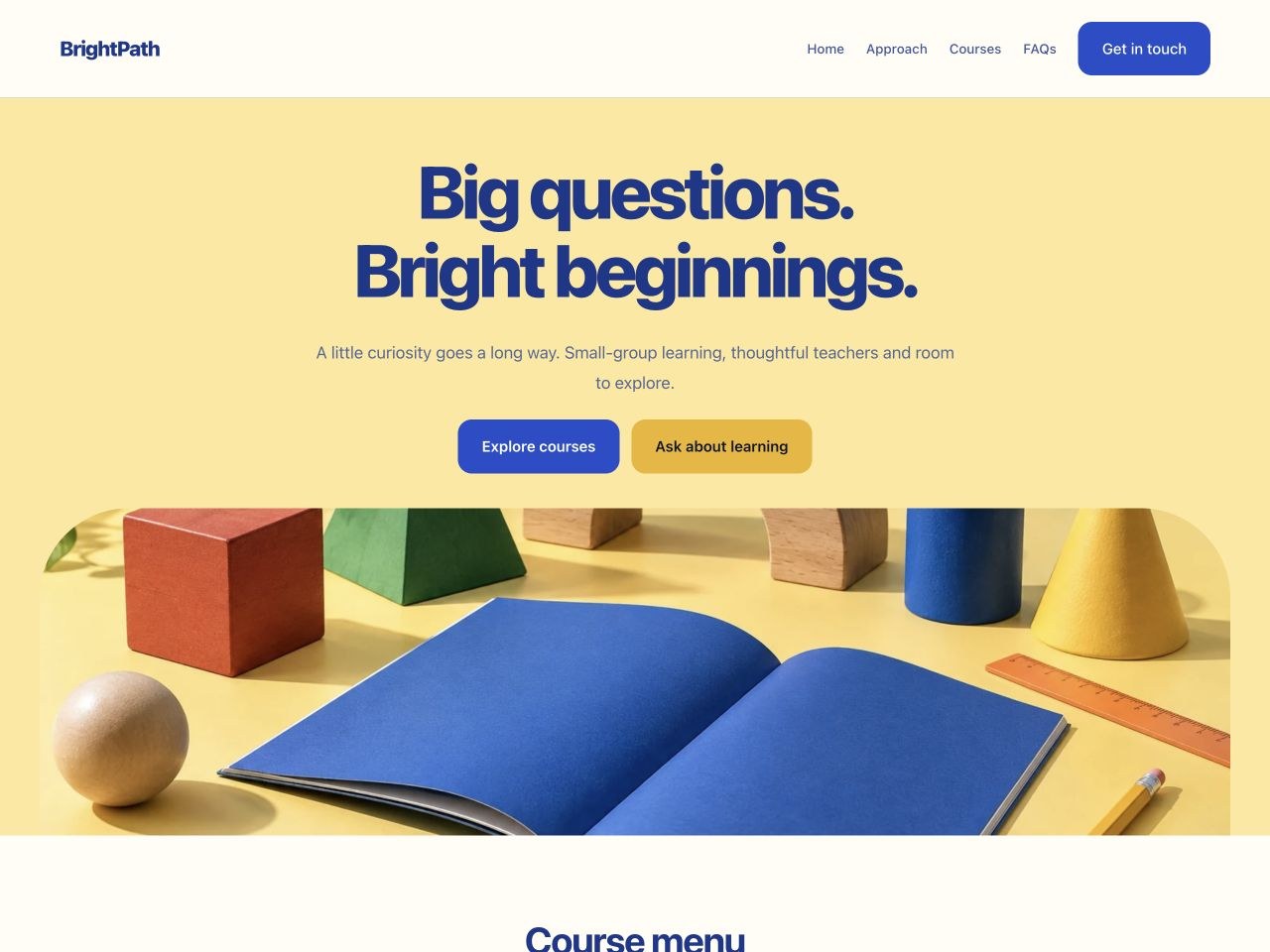
BrightPath Learning Hub — Tuition Centre Sample website

Education

Make it yours

BrightPath Learning Hub — Tuition Centre

A playful education website with yellow-and-blue colours, rounded imagery, course cards, tutor profiles, a timetable and parent FAQs. Editable fictional samples; add real course details and enrolment services.

Sample language English 繁體中文

Free to start with this design

Northstar Advisory — Professional Consultancy Sample website

Business

Make it yours

Northstar Advisory — Professional Consultancy

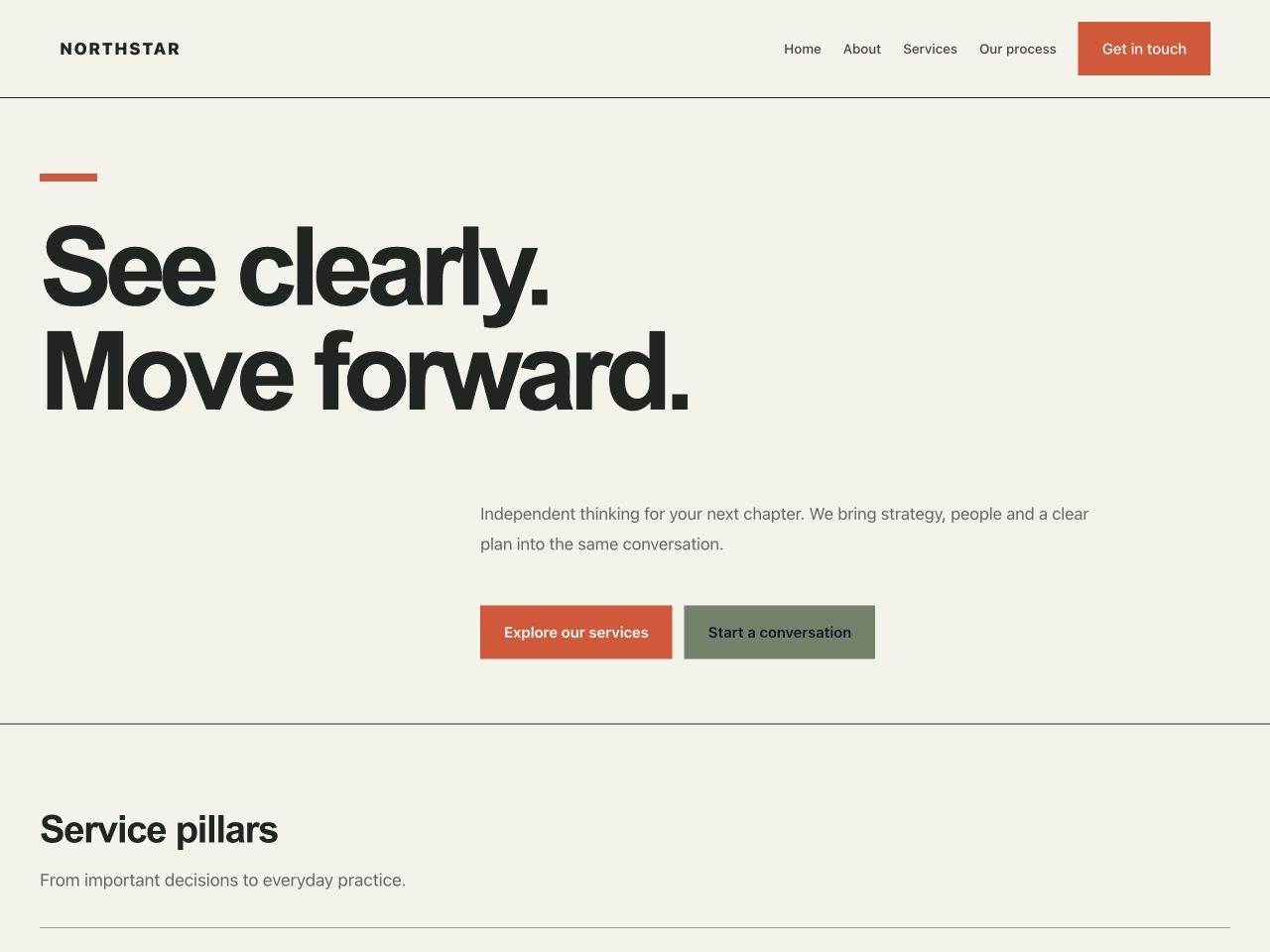
An editorial consultancy website with bold typography, numbered services, a team introduction, an engagement process and enquiries. Editable fictional samples; add your real business details and contact setup.

Sample language English 繁體中文

Free to start with this design

FAQ

Quick answers.

What happens after I choose a design?

Create an account, verify your email, then make your own editable copy. Replace the sample details and preview your site before publishing.

Do I pay to use a design?

Starting from a design is free. Optional AI changes use credits, with the amount shown before you continue. Confirm hosting, domain and service charges separately.